Curate the template catalogue
The app store is where new virtual apps start. Buildiq ships four templates: Permit Tracker, Stakeholder Consultation, Employee Onboarding and Incident Reporter. They are a baseline. In a real deployment you add your own.
A template captures a definition, never a dataset. Buildiq copies the app's manifest and its companion schemas. It copies no records.
Goal
By the end you will have saved a finished virtual app as a template, picked its category, and confirmed the card shows up in the store for everyone with access.
Prerequisites
- You are an owner or an editor of the source app. See Manage who can build (RBAC).
- The app is finished enough to reuse: schemas stable, pages saved, menu in place.
- A category in mind: Government services, Internal operations, Citizen engagement or Field work.
Steps
-
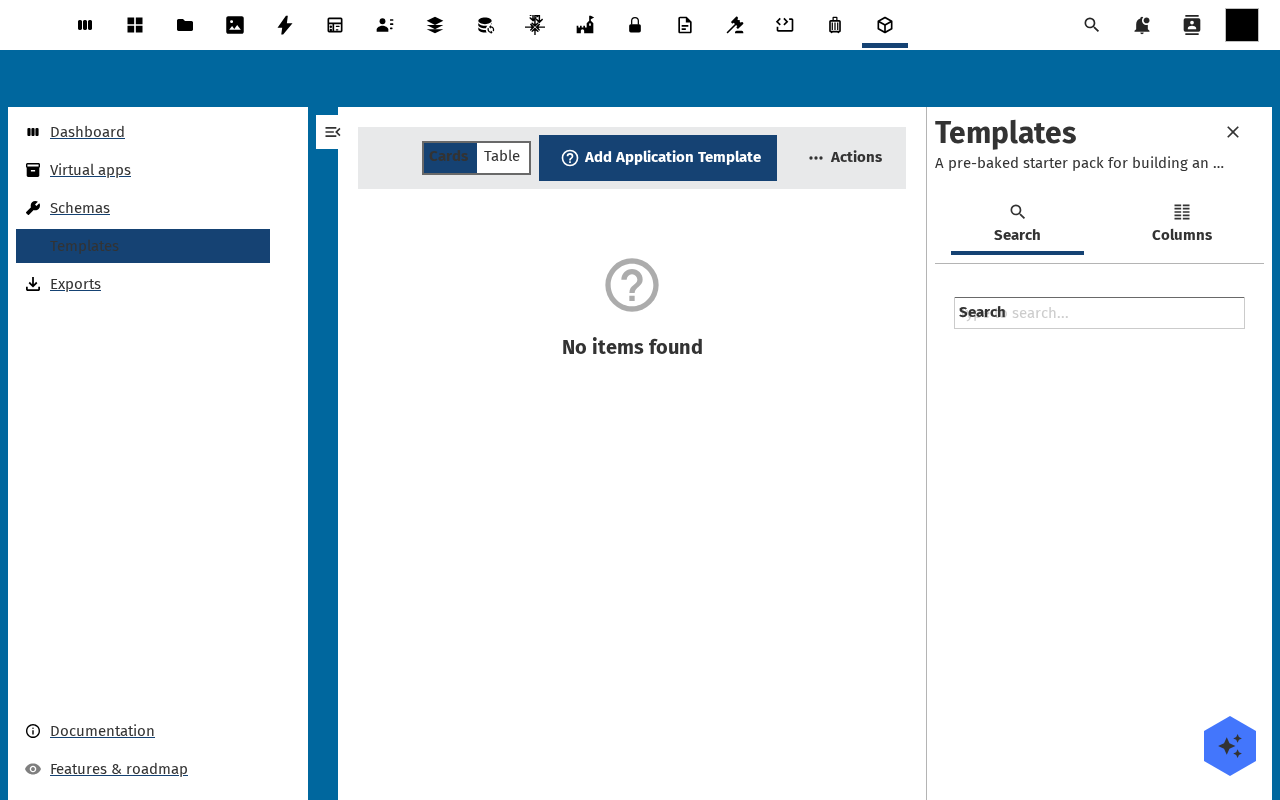
Open Store in the Buildiq left navigation. The page is titled App store and opens on the Templates tab, with the shipped set under Built-in templates and a Use this template button on every card.
-
Open the source app from Apps, then click Actions → Save as template in the app header.
-
The dialog asks for a Template title, a Slug (kebab-case, 32 characters at most), a Use case one-liner for the card, a Description, a Category and an optional Source URL. Under What will be captured it names every schema it is about to copy.
-
Click Save as template. Buildiq deep-copies the manifest and the companion schemas into a new
application-templaterecord. Nothing in the running app changes.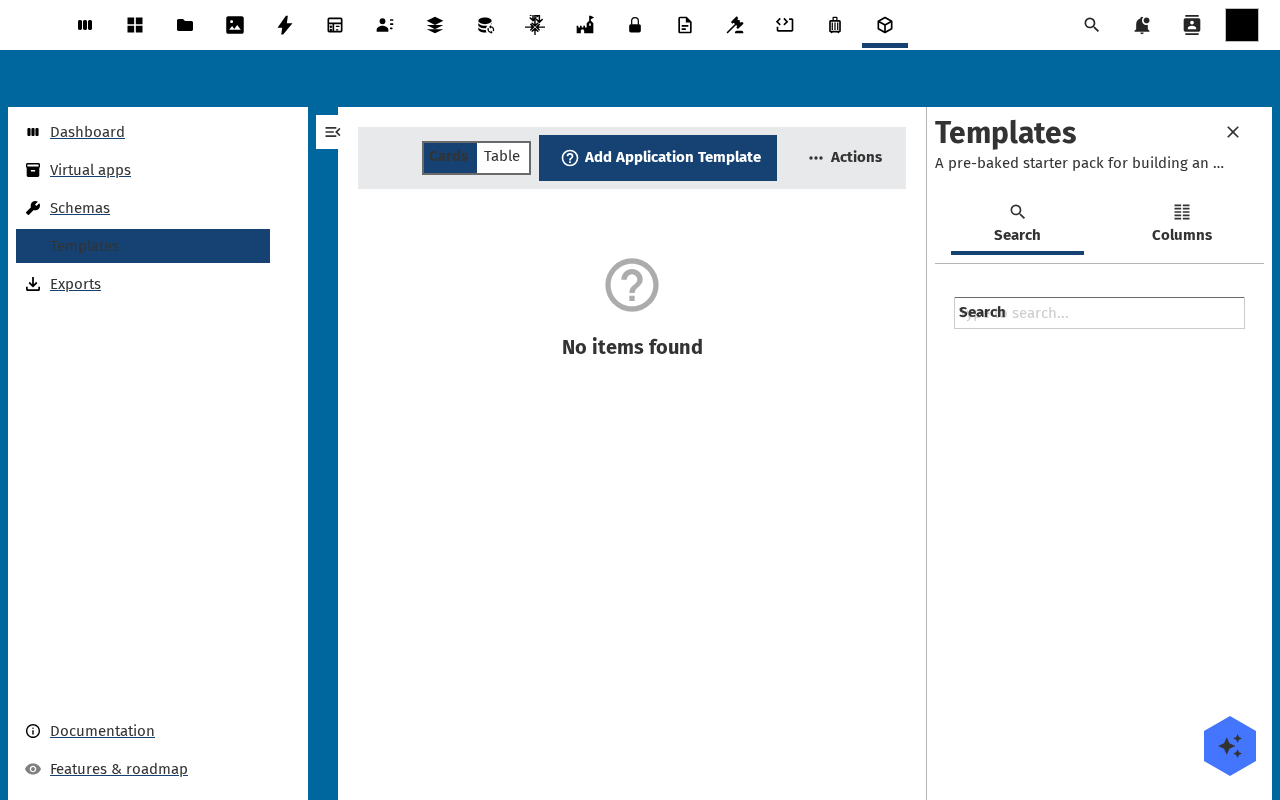
-
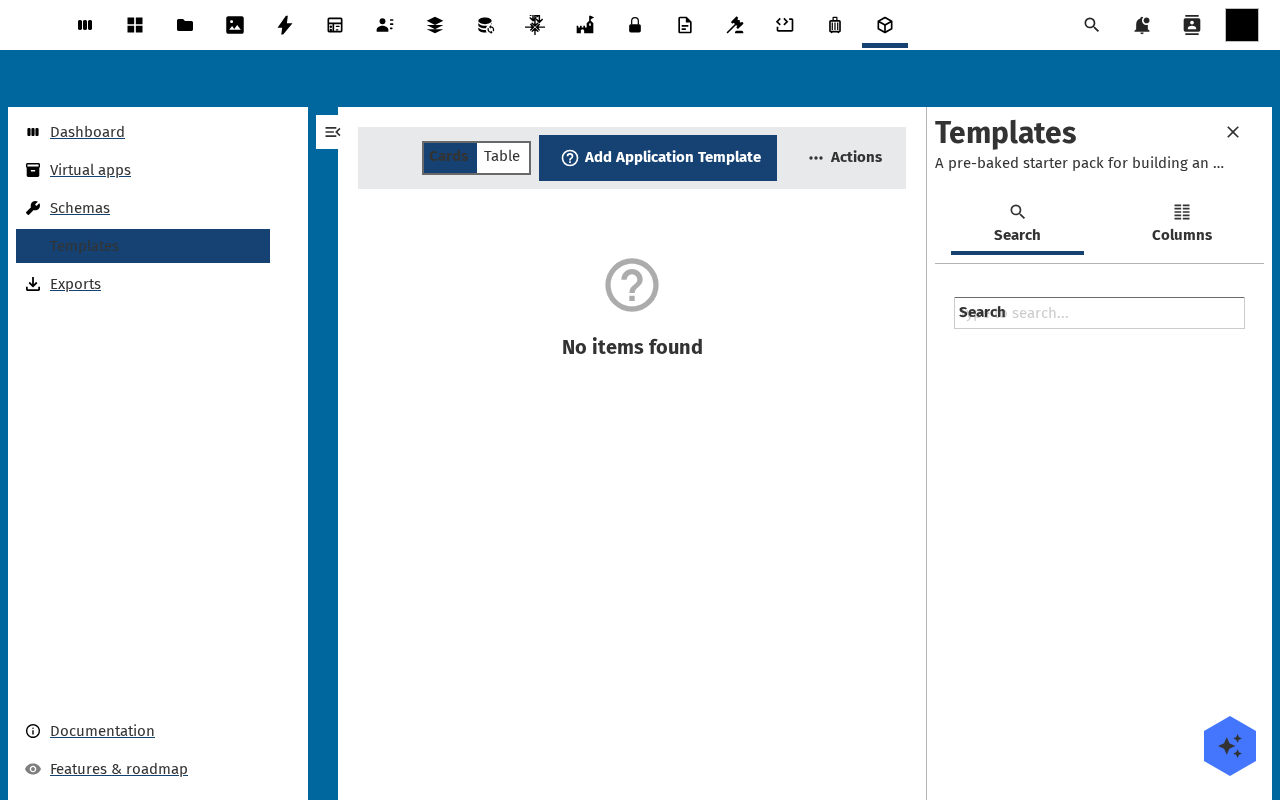
Your card appears in the same grid, after the shipped templates, badged Organisation template. Anyone who can reach the store can now click Use this template and get their own copy.
Verification
The save worked when the new card shows up under Built-in templates with your category, carries the Organisation template badge, and Use this template lands the clicker in Create an application from a template.
Clone it once yourself. A template that nobody has cloned has never been tested.
Copy instead of templating
When you want one variant for your own team, a template is a detour. Three copies skip it:
- Copy app, in the app's Actions: name the copy and pick a slug. The copy gets its own register and a copy of the pages and data model, and none of the records. Changing the copy leaves the source as it is. You need to be an administrator who owns or edits the source.
- Copy page, the copy button on a row of the page list: the copy appears
below it as
<id>-copyat<route>-copy, titled "Copy of ...". Add it to the menu yourself. - Copy form, beside a registration form: the copy is a draft named "Copy of ...", never the default, and opens in the editor.
Common issues
| Symptom | Fix |
|---|---|
| Save as template is missing from the Actions menu | You are a viewer. Ask an owner to make you an editor, see Manage who can build (RBAC). |
| The slug is already taken | Buildiq suggests a free one. Take the suggestion, or pick a name that says which team owns it. |
| The clone opens with no data | That is by design. A template carries the manifest and the schemas, never the rows. |
| You want to retire a template | There is no retire action yet. Delete the application-template record in OpenRegister, or rename it so nobody picks it by mistake. |
Reference
- Create an application from a template: the flow your template feeds.
- Export the app: the downloadable alternative to a store card.