Tutorial: Create a virtual app
Audience: Buildiq admins creating their first virtual app. Prereqs: Buildiq and OpenRegister installed and enabled. Signed in as a Nextcloud admin. Creating an app is admin-only, and capped at ten creations an hour. Outcome: A new virtual app named Test App with a
development → productionversion chain. Both versions get their own register, seeded with the defaulthello-messageschema. You become the app's sole owner.
1. Open the wizard
Open Apps in the Buildiq left navigation and click Add app in the actions bar.
The Create app dialog opens on step 1, Basics.
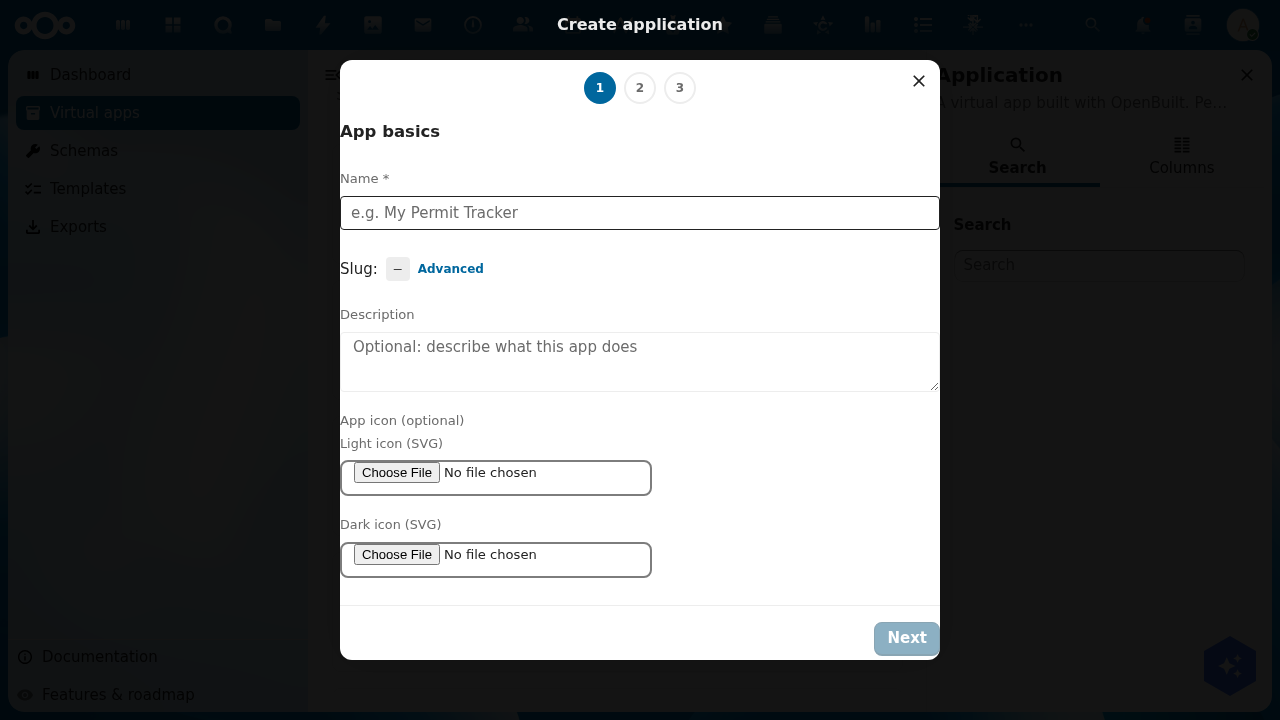
The header shows three steps: Basics, Preset and Review. Picking the Custom preset later inserts a fourth, so Review becomes step 4.
2. Step 1, app basics
Fill in:
- Name (required). The display label, for example Test App.
- Slug. Derived from the name in
kebab-caseand shown under the field. Click Advanced to set it yourself. It must match^(?!_)[a-z0-9][a-z0-9-]*[a-z0-9]$. A leading underscore is reserved. - Description (optional). What the app is for.
- App icon (optional). Pick from the Material or OpenGemeenten libraries, or choose Upload your own SVG. Add a dark override gives you a second icon for dark backgrounds.
There is also a Generate with AI button. It drafts the whole app from a prompt instead of the three steps below. This tutorial takes the manual path.
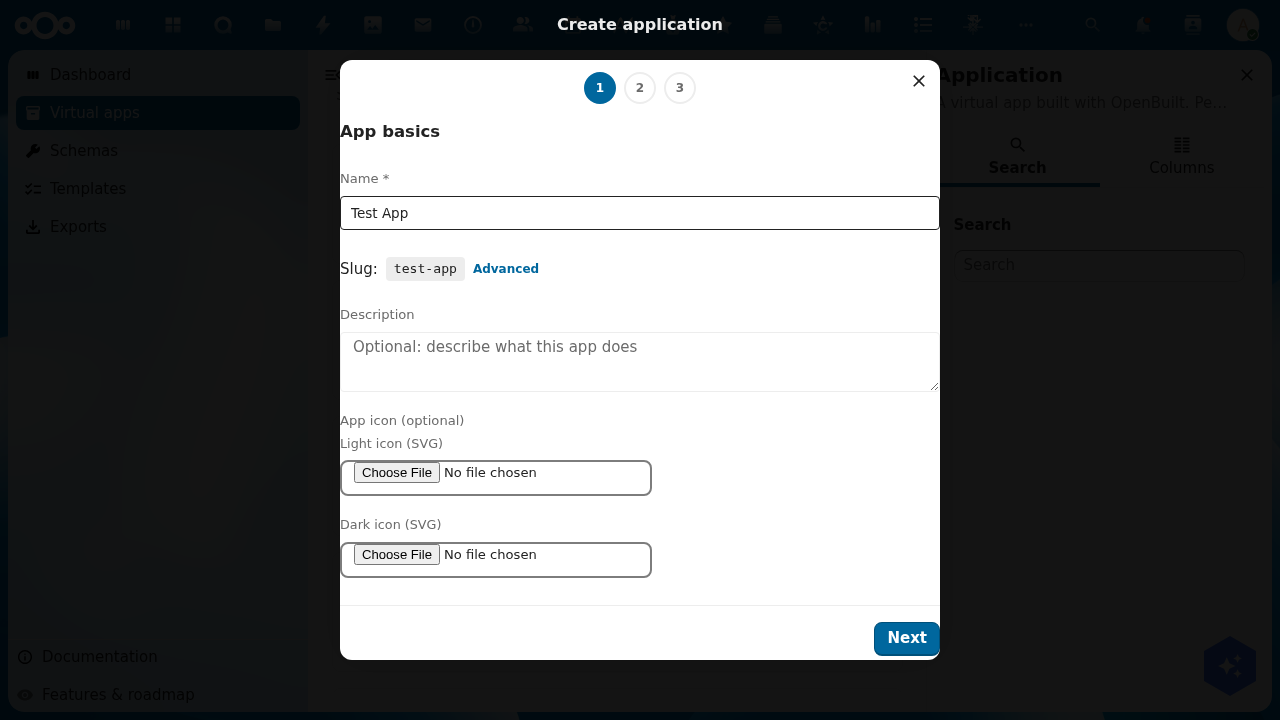
Next enables as soon as Name is valid.
3. Step 2, choose a version preset
Pick the shape of your version chain.
| Preset | Chain | Best for |
|---|---|---|
| Single | production | One version only. No staging environment. |
| Development + Production | development → production | A safe playground for changes before they go live. |
| Development + Staging + Production | development → staging → production | Classic three-tier pipeline for larger teams. |
| Custom | Define your own chain | Name and order your versions however your team works. |
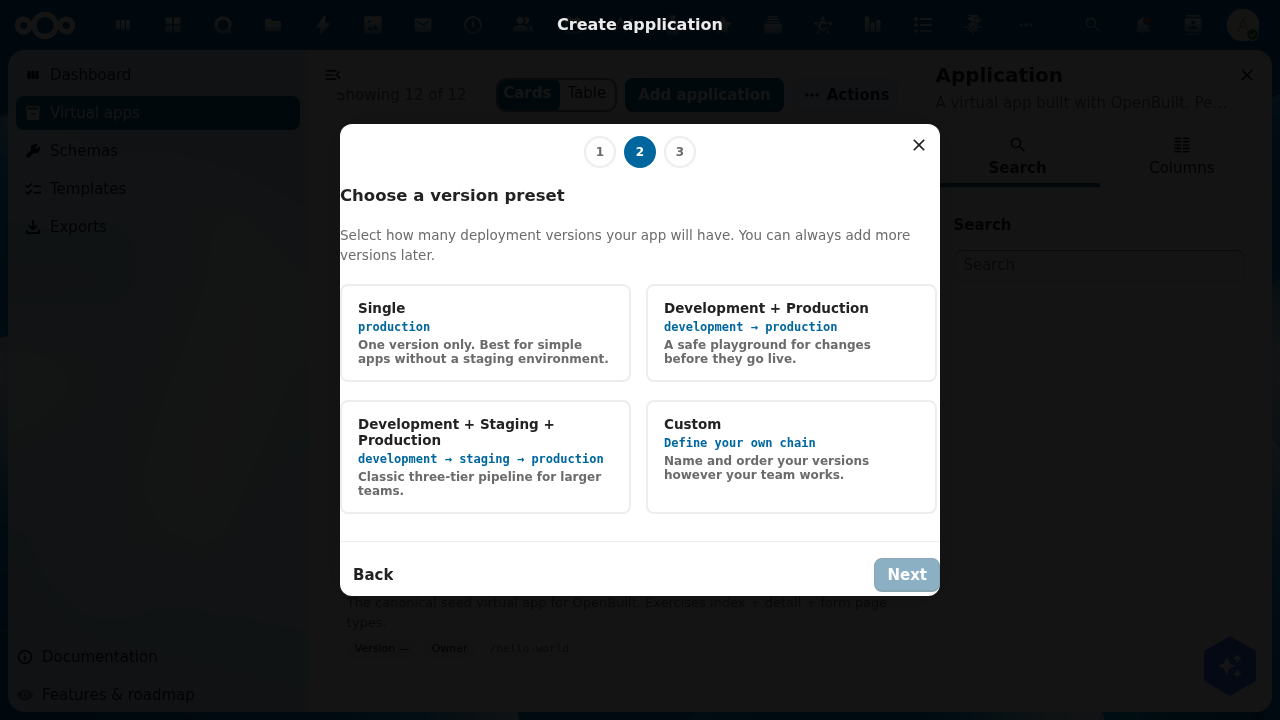
Custom adds a step where you type each version name. The slug derives itself, rows drag to reorder, and top to bottom is upstream to downstream.
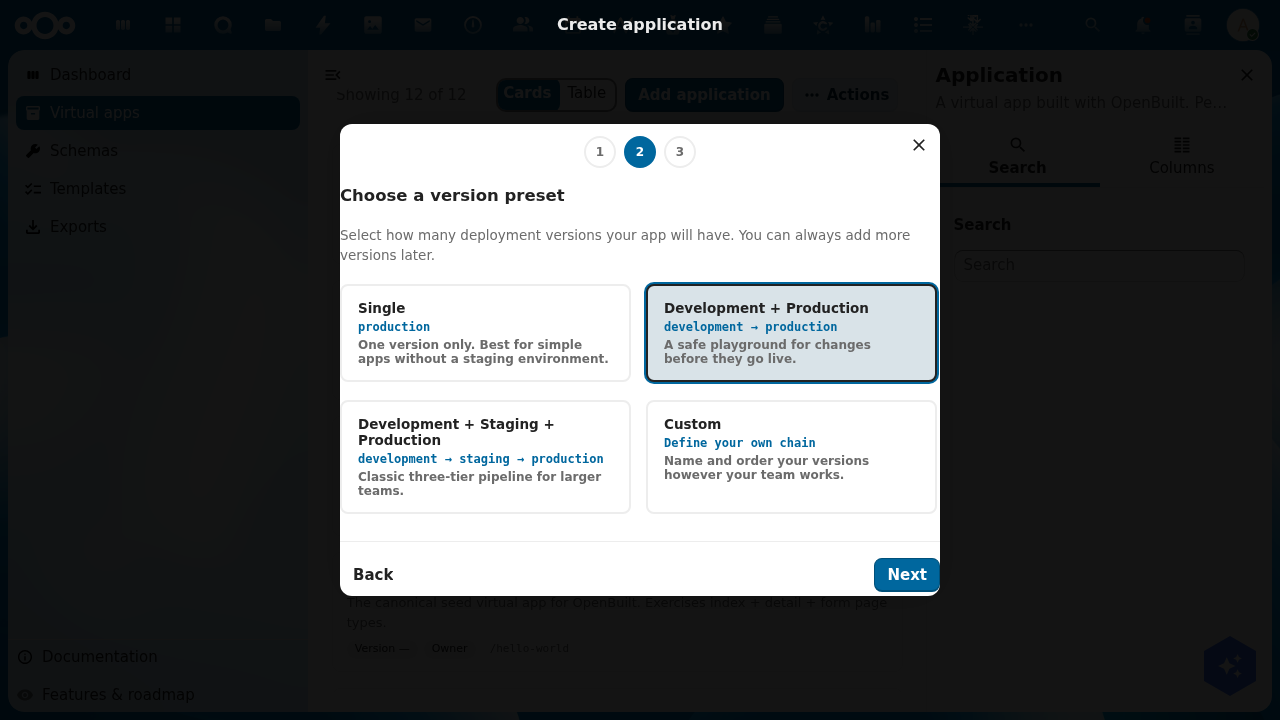
For this tutorial, pick Development + Production.
4. Step 3, review and create
The Review and create screen shows what the wizard is about to provision:
- Name and Slug from step 1.
- Version chain, in arrow form (
development → production). - Production version: the one end users will land on.
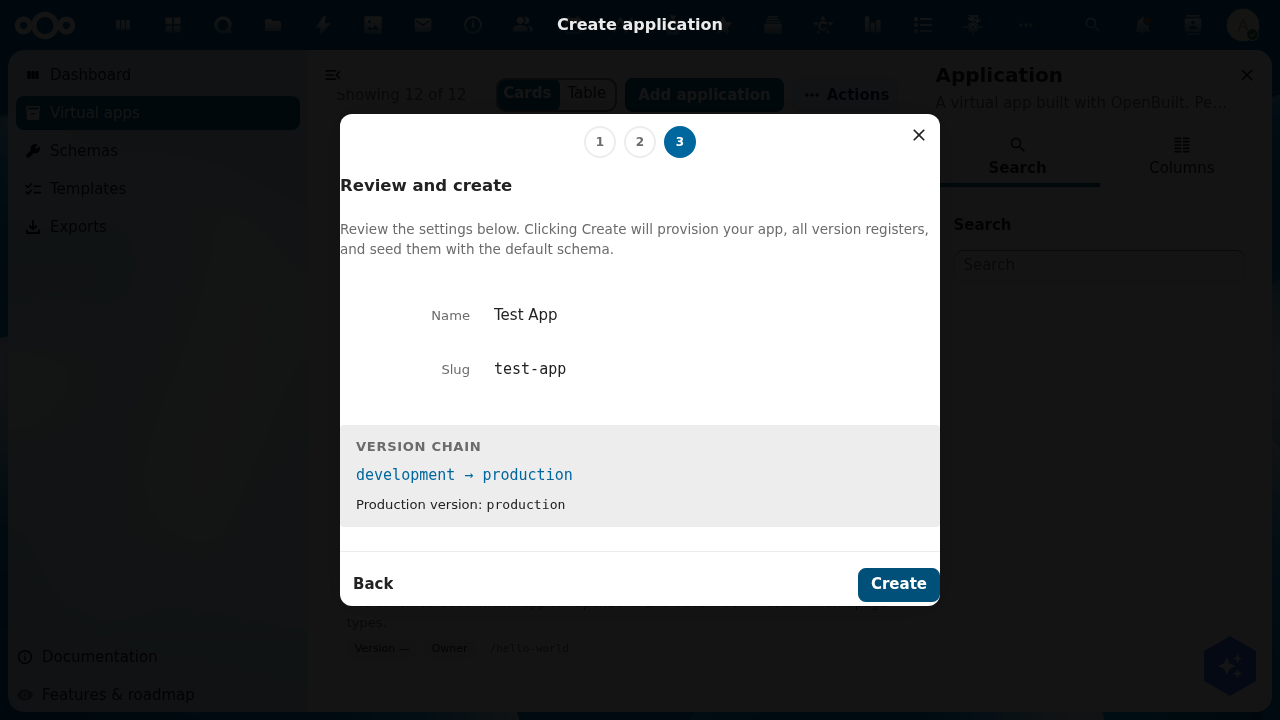
Click Create. The backend then runs as one transaction:
- Validate the whole payload.
- Create the
Applicationrecord. You become its sole owner. - Per version, in chain order: create the
ApplicationVersionrecord, provision the registeropenbuild-{appSlug}-{versionSlug}, and seed the default schema set with version-namespaced slugs. - Point each non-terminal version's
promotesToat the next version downstream. - Set
Application.productionVersionto the terminal version.
Any failure rolls every created object back, in reverse order. On success the dialog closes and you land on the app's detail page at /apps/buildiq/applications/<uuid>.
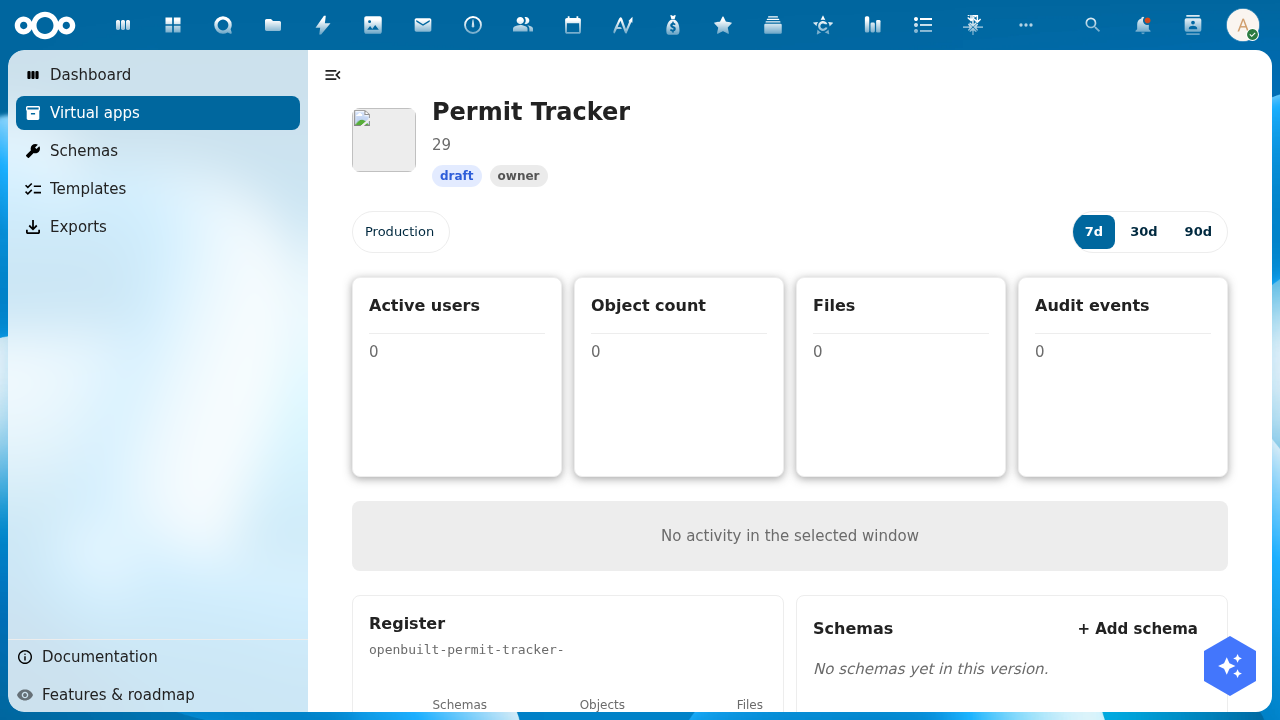
The detail page shows:
- The hero: name, description, type badge, status badge, your role badge, and the version pills. A star marks the production version.
- Four numbers over a 7d / 30d / 90d window: Active users, Object count, Storage and Audit events. All are zero on a fresh app. Each one deep-links into OpenRegister.
- An activity graph, empty until the audit trail has something to draw.
- Manifest layers: the base manifest, the shared admin delta, and your own per-user delta when the app allows one.
- Register, naming this version's register and its schema count.
- Groups & users, Pages, Menu, Schemas and Flows, each with an add or manage affordance.
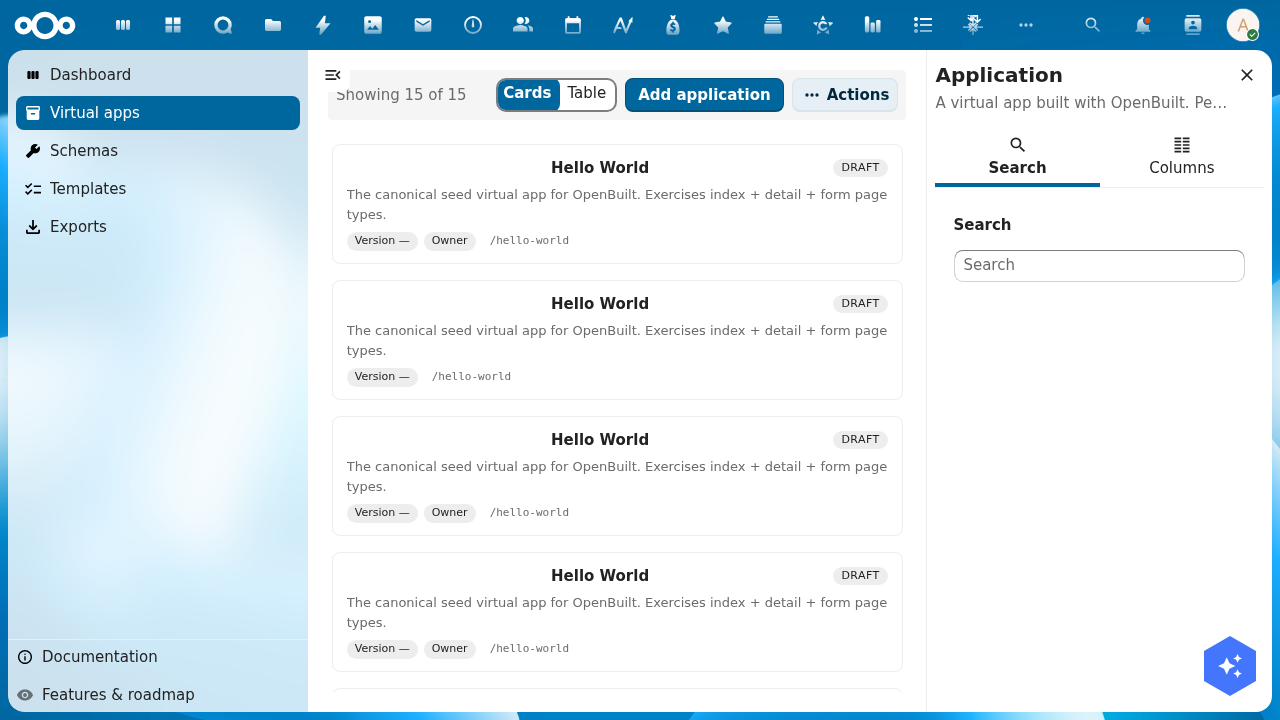
Go back to Apps and your new app is in the grid.
5. What you have now
- One
Applicationrecord with your slug. - Two
ApplicationVersionrecords,developmentandproduction, chained in that order. - Two registers:
openbuild-test-app-developmentandopenbuild-test-app-production. - The
hello-messageschema in each, namedtest-app-development-hello-messageandtest-app-production-hello-message. Schema slugs are unique across the whole organisation, which is why they carry the prefix.
What's next
- Design your schemas at
/apps/buildiq/builder/{slug}/schemas. Add fields, states, transitions and access scopes. - Design your pages at
/apps/buildiq/builder/{slug}/pages. Lay out screens and the menu, then use Save & open preview. - Promote when development is ready. See Update a virtual app.
Troubleshooting
- Add app does nothing, or is missing. Creating an app is admin-only. The endpoint refuses a non-admin before the controller runs, so the button has nothing to show for it.
- "Property 'register' should match pattern". A per-version register must be named
openbuild-{appSlug}-{versionSlug}. Theopenbuild-prefix is pinned by theapplicationVersionschema and did not move with the app rename. Do not rewrite it tobuildiq-. - Schema uniqueness violation on create. Schema slugs are unique per organisation. The wizard prefixes every seed slug with
{appSlug}-{versionSlug}-. If you fork the seed list, keep the prefix. - The app appears but has no pages. The wizard seeds schemas, not pages. Open the page designer and add the first one.