Export your app
When the app works the way you want, export it. Buildiq writes a ZIP with the manifest, the schemas, the flows, the agents and, if you ask for them, the records. The same bundle can go straight to a GitHub repository instead of your downloads folder.
Goal
By the end you will have started an export of one version of your app, watched the job reach Succeeded, and downloaded the ZIP.
Prerequisites
- An app you want to ship somewhere else.
- A view on which version you are exporting. The dialog defaults to the development version when the app has one.
- For the GitHub target: a GitHub credential in your vault. Publish to GitHub covers that route in full.
Steps
-
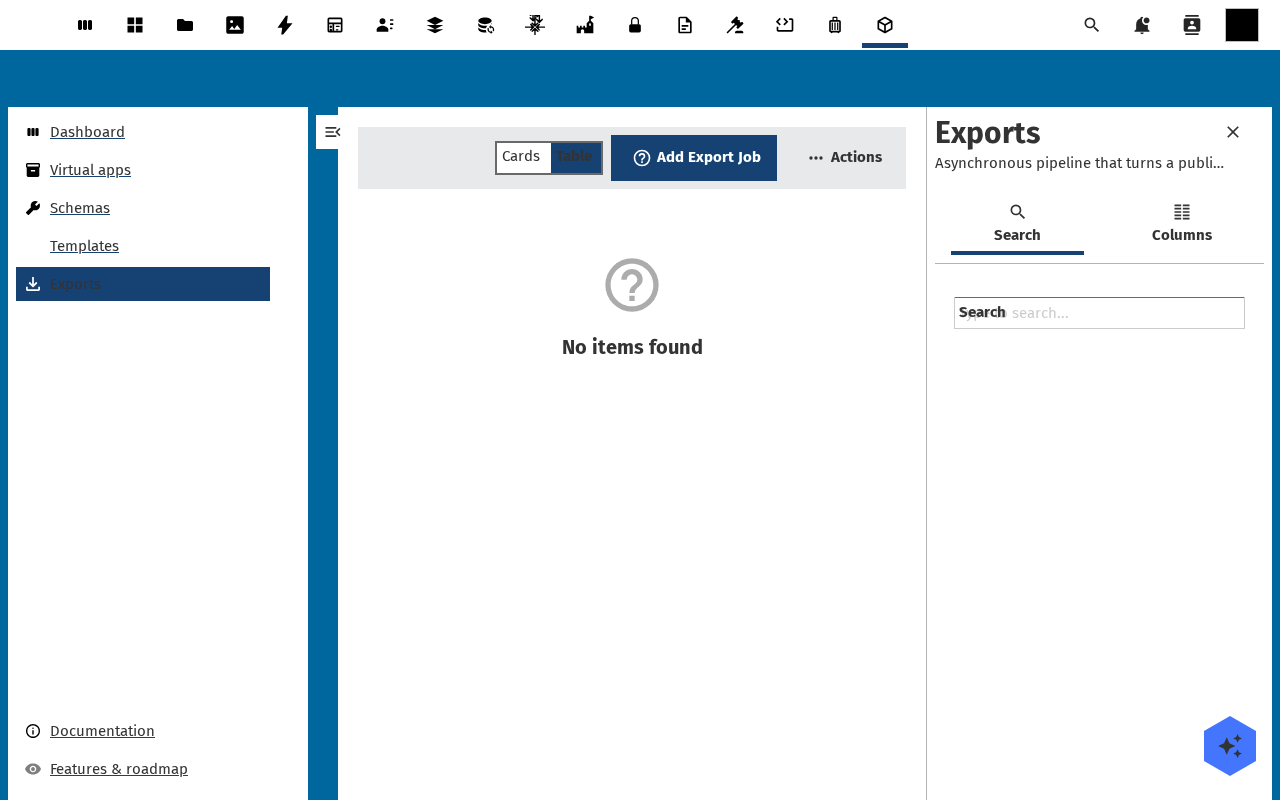
Go to Apps and open your app. Choose Actions → Export. The same dialog opens from the Exports tab in the sidebar, where Start export sits above the list of jobs this app has run.
-
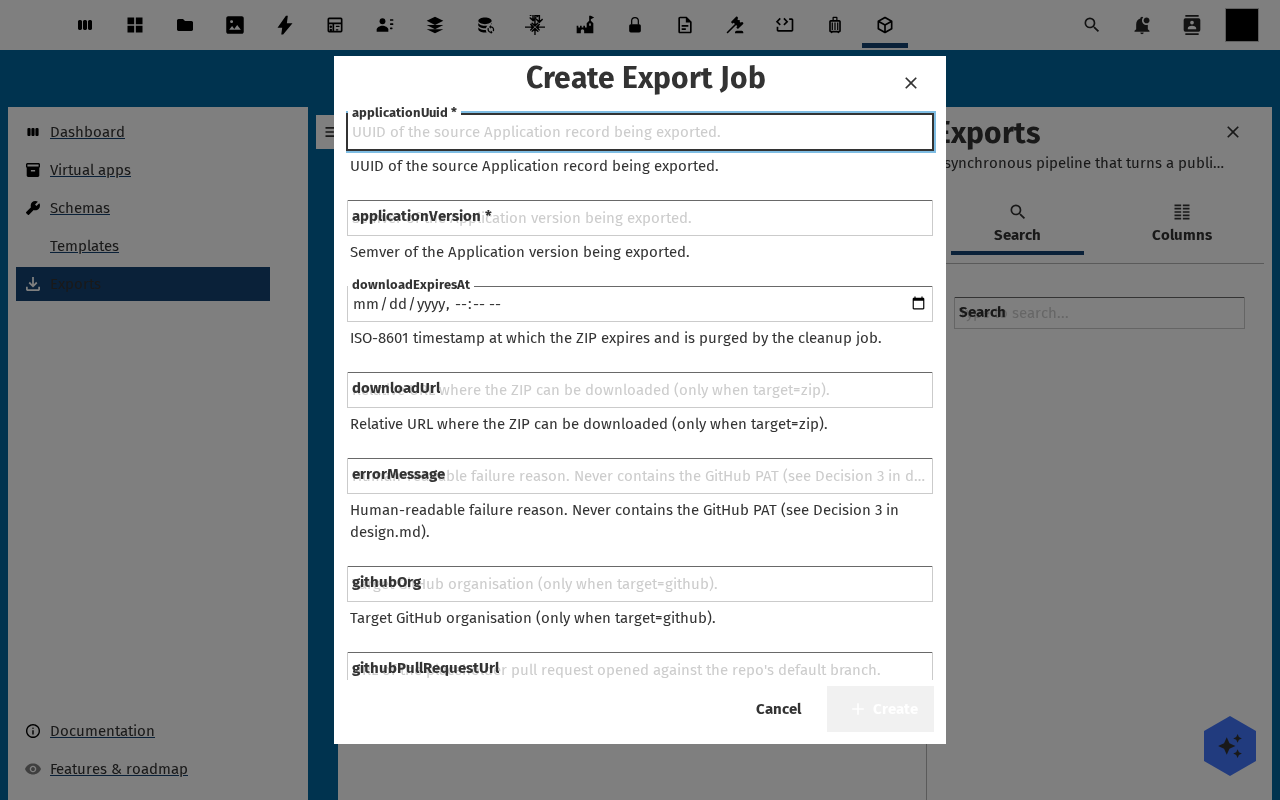
The Export application dialog asks four things. Version picks which version to export. Target is ZIP download or Push to GitHub. License is EUPL-1.2, AGPL-3.0 or MIT. Include seed data decides whether the app's own records travel with it, and it starts off.
-
Two more blocks appear when they apply. Data registers lists every shared register the app is bound to but does not own: their schema definitions always travel, their rows only when you switch one on. Flows lists the flows the app is made of, switched on by default, because an exported app without them installs and does nothing. They arrive switched off on the other instance, so nothing runs there until somebody enables it.
-
Click Start export. The job appears in the list as Queued, then Running. Buildiq starts it in the same request rather than waiting for cron, so a small app is usually done in seconds.
-
When the row reads Succeeded, click Download ZIP. Do it the same day: a daily cleanup job purges the archives from the server, and the row keeps its status after the file is gone. A GitHub export shows View pull request instead.
-
The ZIP serves two readers at once. At the root sit
openbuild-app.json,manifest.json,schemas/{slug}.json,data/{slug}.jsonland aREADME.mdthat says what the archive holds. That is the layout Buildiq itself reads when it installs an app from a repository. Around it sits a complete standalone Nextcloud app, with the pages insrc/manifest.jsonand the schemas inlib/Settings/{app_id}_register.json.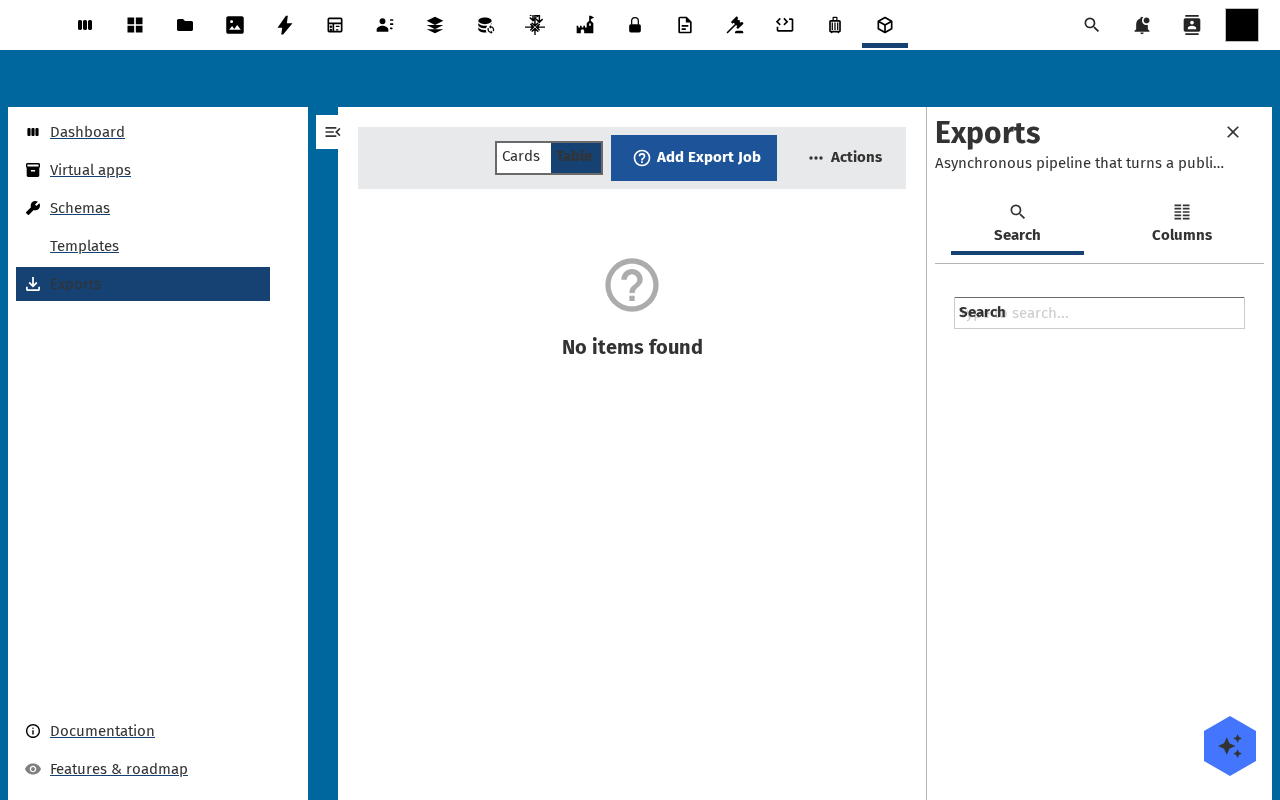
Verification
The export is good when the job reads Succeeded, the ZIP downloads at a non-zero size, and manifest.json inside it holds your pages. Buildiq namespaces a version's register and schema slugs while you build. Check the bundle: they should be back to the app's own plain names.
Common issues
| Symptom | Fix |
|---|---|
| The job sits on Queued | The immediate start did not fire and Nextcloud's background jobs are not running. Ask an admin to check the cron setup. |
| The job ends in Failed | The row carries the reason. The two usual ones are a manifest that does not validate and a source the bundler could not reach. |
| Download ZIP does nothing | The archive was purged by the daily cleanup. Run the export again and download it straight away. |
| The ZIP holds no records | Include seed data was off, and row data for a shared register is off per register. Switch on what you need and export again. |
| A GitHub export refuses to start | The target needs a credential. "Pick a GitHub credential to push with." means the picker is still empty. |
Reference
- Compare and roll back a version, pick which version to export.
- Publish to GitHub and install from the store, the route that puts the app in a repository other instances can install.
- Template catalogue, promote an app into the catalogue instead.