Create an application from a template
A template is a finished app in a box: schemas, pages and sample data. Each one covers a recognisable case, such as a permit workflow or a citizen consultation. Cloning one is faster than starting blank, and you can change everything afterwards.
Goal
By the end you will have cloned a template into an editable draft app, named it, and opened it for editing.
Prerequisites
- You completed Open Buildiq for the first time.
- Nextcloud admin rights. Cloning provisions an OpenRegister register, which only an admin may do, so a regular account gets a clear refusal instead.
- At least one template in the Store. Buildiq ships four: Permit Tracker, Stakeholder Consultation, Employee Onboarding and Incident Reporter. Admins add more via Manage the template catalogue.
Steps
-
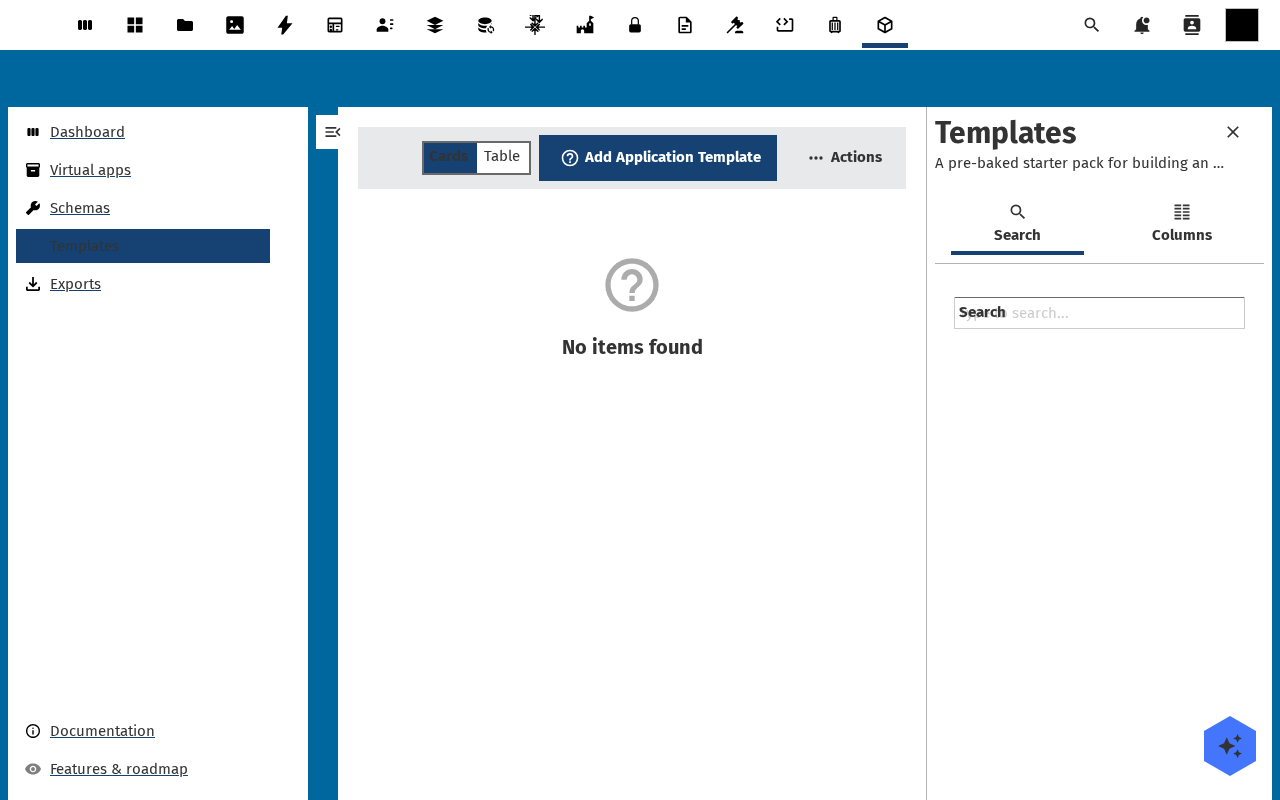
Click Store in the left navigation. The page is titled App store and opens on the Templates tab, with Built-in templates first and Apps on GitHub below it. The second tab, Blocks, is for browsing reusable page blocks and has no clone action.
-
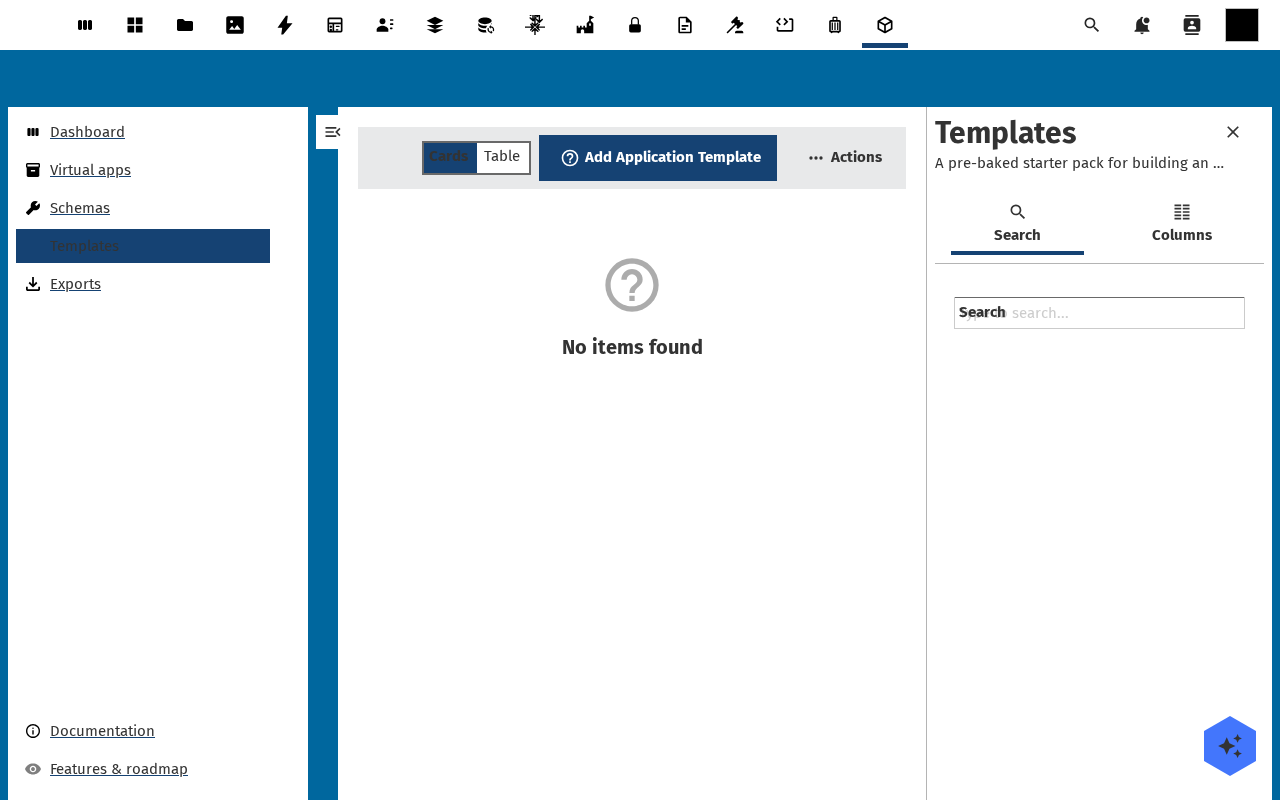
Pick a card that matches what you are trying to build. Each card carries a category (Government services, Citizen engagement, Internal operations, Field work), a one-line summary and a longer description.
-
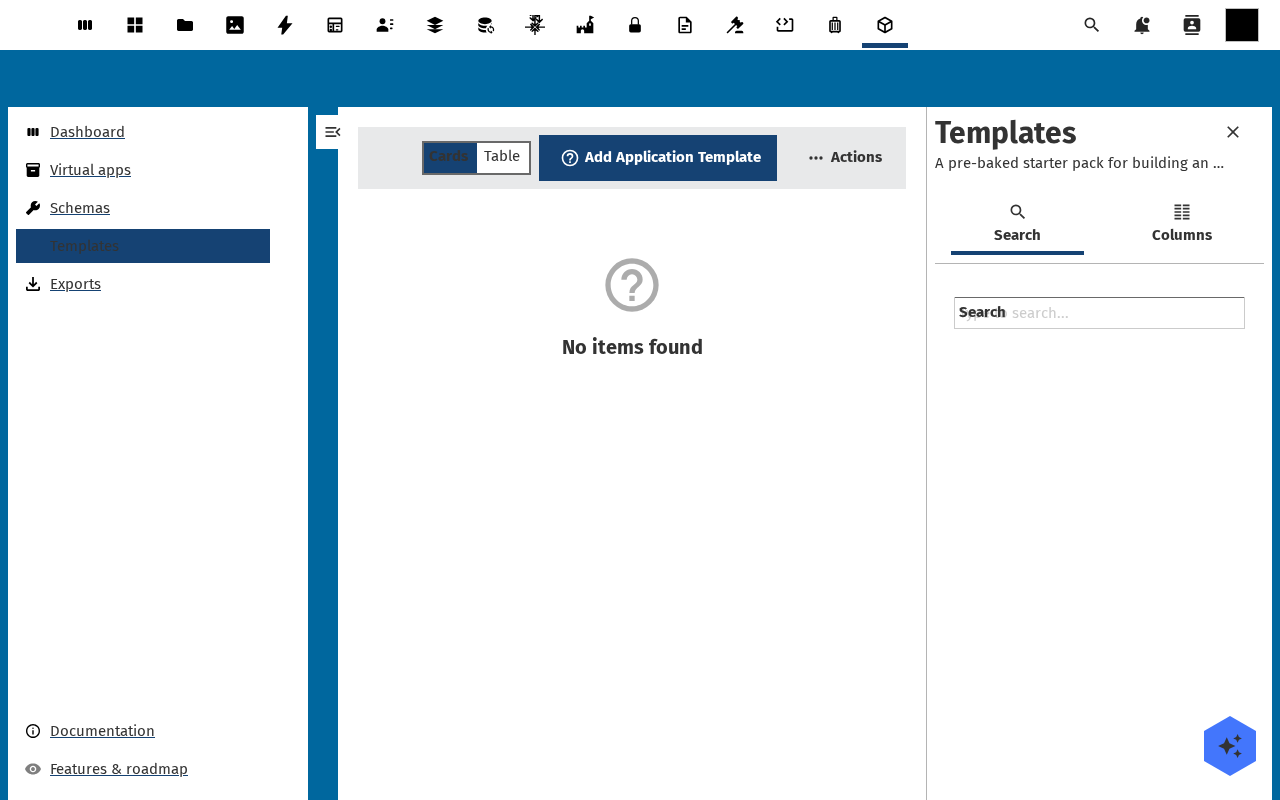
Click Use this template. A dialog opens with Application name and Slug (kebab-case, max 32 chars) already filled from the template, plus Description (optional). Change the name to yours. The slug must be lowercase, hyphen-separated and 32 characters or fewer.
-
Click Create. Buildiq copies the template's schemas, pages and sample data into a new app and provisions its register. It writes a Production version at 1.0.0 with the status draft, so nothing is published yet. You land back on the Apps list.
-
Click the new app. Its detail page opens with the name, type, status and version in the header, and a version strip under it. The buttons are Open app, Settings, Edit and Actions. Below sit the usage tiles, Manifest layers, Register, Groups & users, Pages, Menu, Schemas and Flows. From Pages and Schemas you drop straight into the designers.
Verification
The clone is complete when the new app shows in Apps under the name you gave it. Its badge reads Draft, and its detail page opens without an error.
Common issues
| Symptom | Fix |
|---|---|
| "Cloning an app from a template requires Nextcloud admin privileges." | Cloning provisions a register. Ask an administrator to clone the template, then have them hand you the app. |
| The slug field rejects your input | Slugs are lowercase, hyphen-separated, no spaces or special characters, 32 characters at most. |
| Built-in templates is empty | The seed never ran. Open the setup wizard and run Install starter templates. |
| The cloned app has no schemas | The template's schemas were renamed or deleted on this instance since the template was authored. Pick another template, or re-import the canonical set from Manage the template catalogue. |
| Apps on GitHub stays on "Searching GitHub…" | The store searches GitHub for the openbuild-app topic and needs outbound network access. Built-in templates work without it. |
Reference
- Design a schema to change the cloned data model.
- Design a page to change the cloned screens.
- Manage the template catalogue for what an admin can do here.