Screen overrides
A layout per case type gives every case of one type the same screen. A screen override changes that screen for one audience only: the permits team sees "Handling and decision", the front office does not see the history tab, and a resident on the portal sees "Your application" and nothing about the handling.
An override is not a copy of the screen. It stores only what it changes, and it is applied on top of the screen underneath it every time the page opens. A tab added to the case type's screen later shows up in every override too.
Who an override is for
Open the detail page in the page designer and go to "Applies to". Give the screen a name, fill in the type property and value of the case type, and pick the audience:
- Everyone: the screen of the case type itself.
- Organisation: members of one organisation.
- Group or Team: members of one Nextcloud group or team.
- Portal visitors: residents and companies on the portal. A caller without an account never gets an internal screen.
- User: one person.
Screens stack in that order. Each one patches the one below it, and the most specific screen that applies to the caller wins.
The screens of a schema
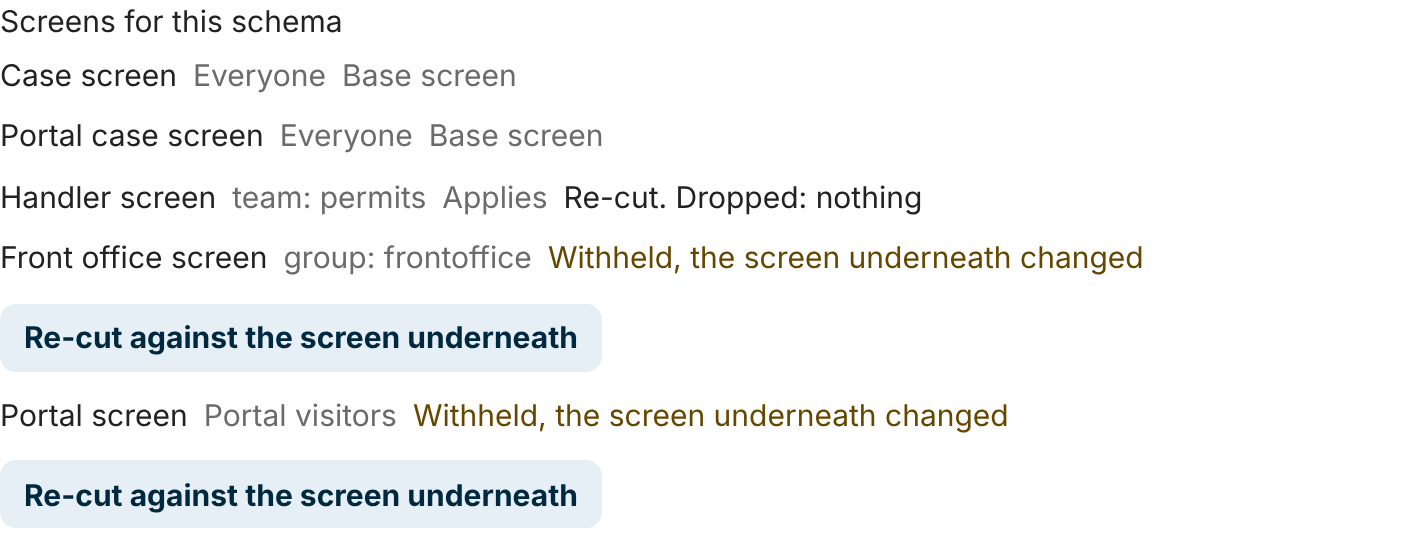
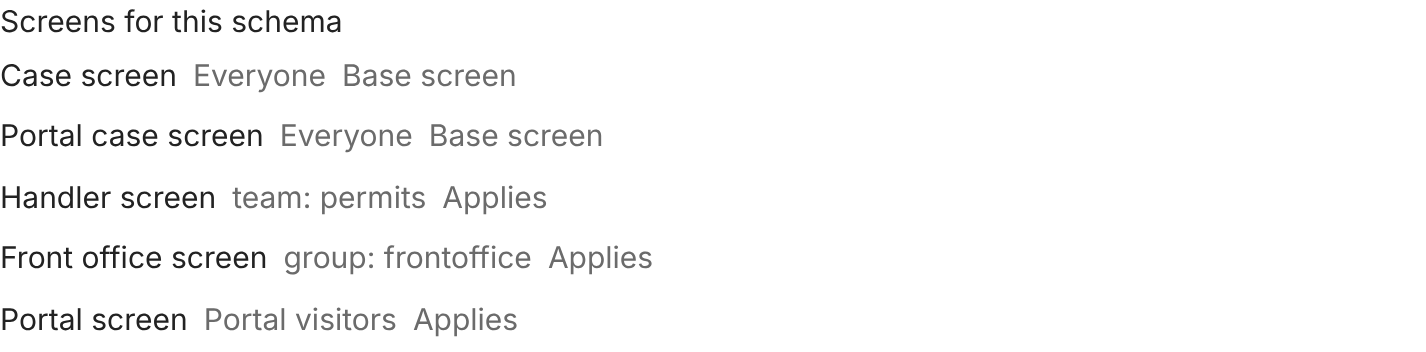
Under "Screens for this schema" the designer lists every screen of the detail page's schema: who each one is for and whether it applies.
When the screen underneath changes
An override remembers the screen it was cut against. When that screen changes, for example a tab is removed, the override is withheld: the page opens on the screen underneath, unchanged, and the override is kept exactly as it was. It never breaks the page.
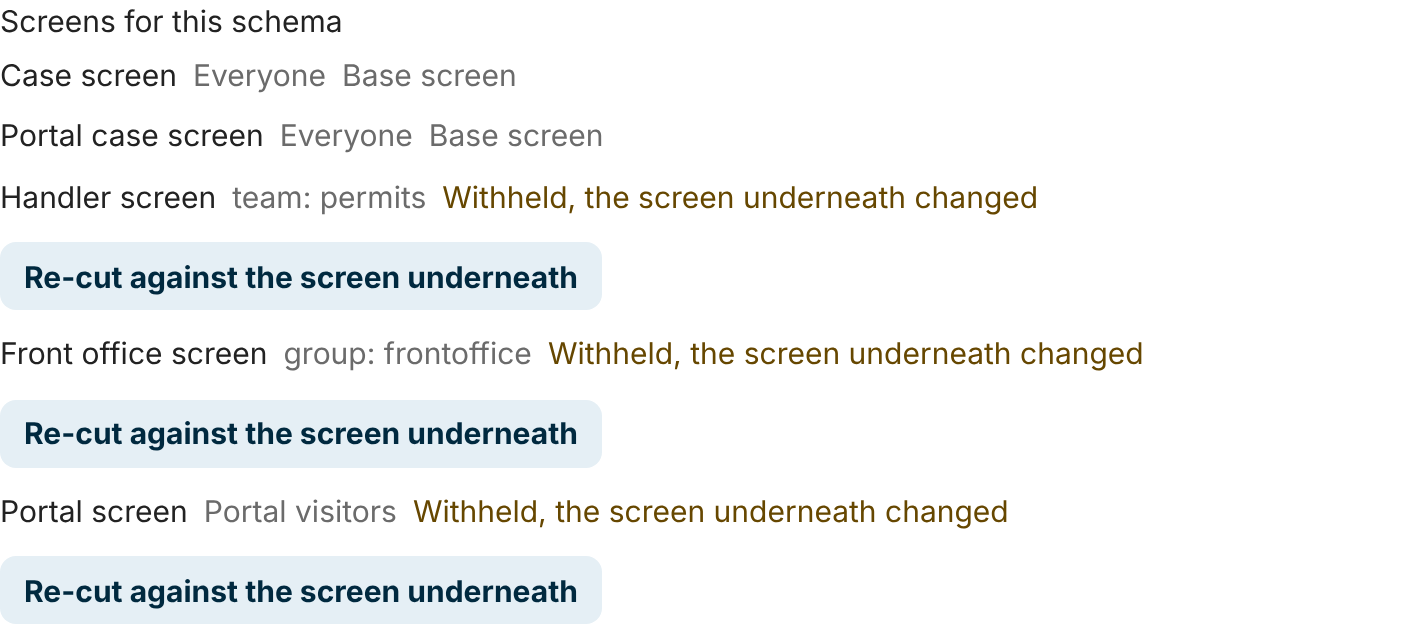
The first time a withheld override is resolved for a case, it moves to the state Needs review, and its maintainer is told that "A screen override needs reviewing".
Re-cut against the screen underneath pins the override to the screen as it is now. Whatever the override changed that no longer exists is dropped, and the list says what was dropped; "nothing" means the whole override still applies.